Thursday, 17 December 2015

Henri Cartier-Bresson Research


Henri Cartier-Bresson
August 22nd 1908 - August 3rd 2004

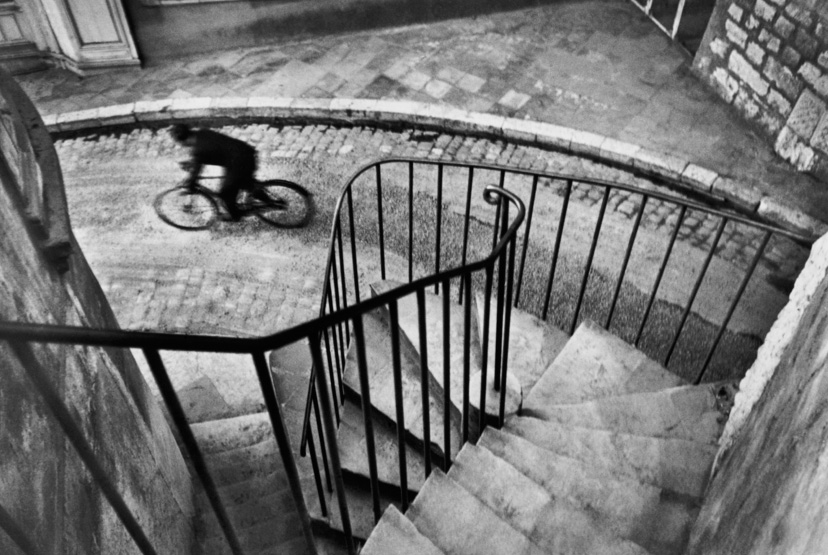
Henri Cartier-Bresson was a french photographer who was an early user of the 35m film. He is often considered the master of candid photography and helped with the development of street photography. 

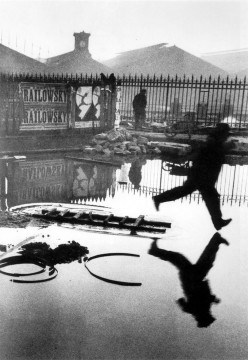
Henri Cartier-Bresson coined the idea of the decisive moment. This term refers to the split second of genius and inspiration that a photographer has to capture a certain moment. This is what inspired his first book, which he named 'The Decisive Moment' and released in 1952.

Being such a popular photographer, Henri's work took him all around the world, including places such as China, India and the USA. In 1966, he decided to change his focus of photography onto portraits and landscapes. Then, in 1975, he retired and decided to no longer take pictures but returned to painting and drawing.

Below are a few examples of Henri Cartier-Bresson's work.


Tuesday, 15 December 2015

Photo Documentary - Definiton

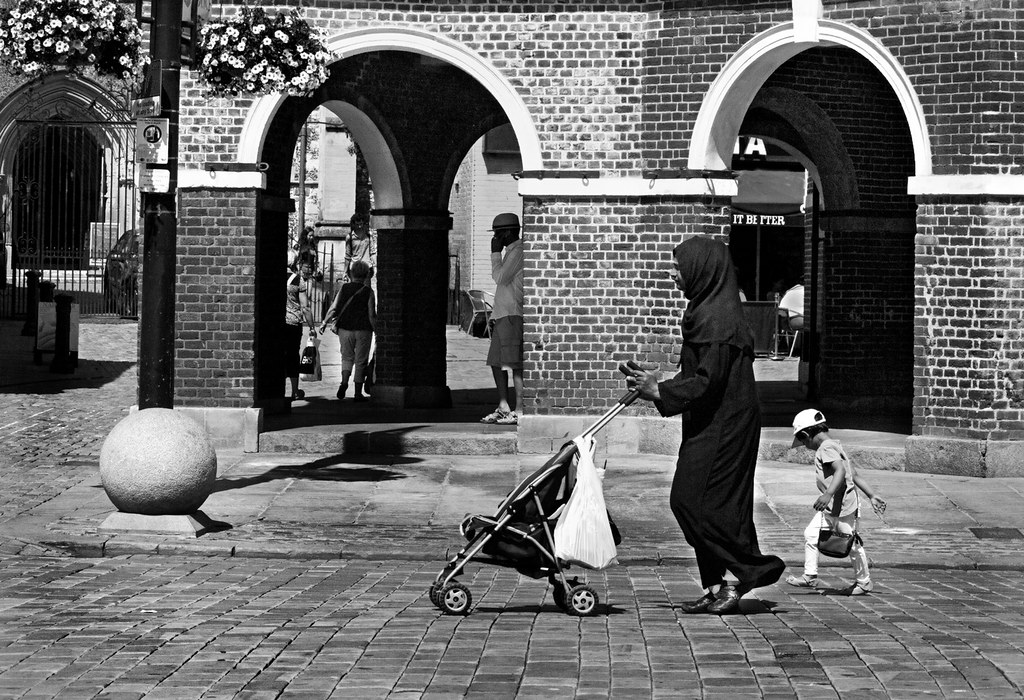
Photo documentary: documentary photography is used to chronicle historical events and everyday life. It is often covered in professional photojournalism.

Below are examples of photo documentary:


Lighting - Definitions

Snoot:
A snoot fits over a studio light/portable flash and allows the photographer to have more control the light in terms of direction and radius.

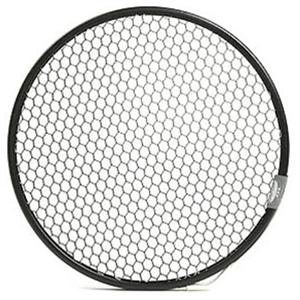
Honeycomb grid:

When the honeycomb is fixed to a studio light, the light shines through and creates a tight beam of light. This will create a focused beam with little diffusion. It is effective in creating little diffusion, but will not create as strong of a beam as the snoot.

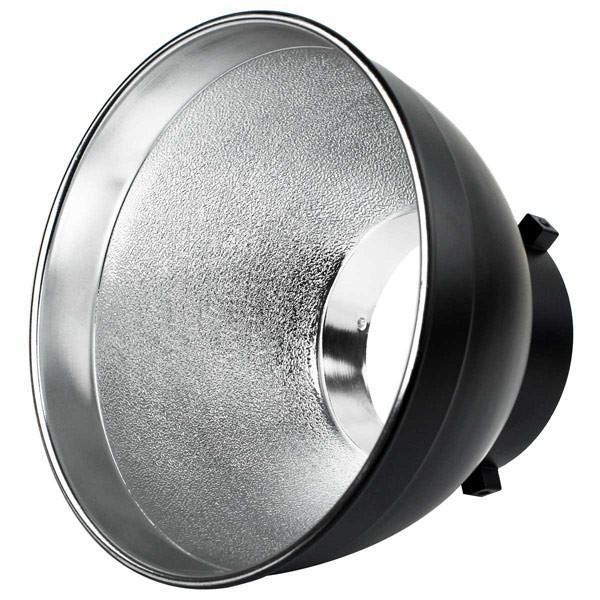
Reflector dish:

Usually made of metal, light reflectors direct light in a 90 - 120 degree beam. The wider the dish, the softer the light beam from the lamp.

High key lighting: high key lighting as predominantly light tones. It is often used in beauty images to convey lighthearted moods and create a fun feeling to an image.


Low key lighting: low key lighting has predominantly dark tones. It is used to create mood, mystery and makes skin texture more detailed, adding character to the model.


Friday, 4 December 2015

Editing - Sharpen

BEFORE:


AFTER:


EDITING:


Firstly, I went to the filter drop-down menu and selected the 'unsharp mask' tool in the 'sharpen' label.


In the 'unsharp mask' tool menu, brought the threshold down completely as this would only take away any sharpness I added. I then brought the sharpness bar up until I was happy with the sharpness of the image.


I then edited the levels, as this makes the image clearer and therefore sharper.

Wednesday, 2 December 2015

Editing - White Balance Adjustment

BEFORE:


AFTER:


EDITING:


Firstly, I opened a new threshold layer and dragged the arrow from the left towards the middle until parts of white began to show. Then, using the colour sampler tool, I selected a part of the white that was showing.

I then opened a curve layer and once it was opened I closed the threshold layer. In the curves layer, I selected the 'black balance' eyedropper. Once I located the point where I used the colour sampler tool, I clicked here. This darkened any points that contained the complete black parts of the image. This would make the white appear brighter.


I repeated this again, but instead slid the arrow on the threshold layer from the right to the middle. Again, I used the colour sampler tool to select a white part of the image. When I had opened the new curves layer, I selected the 'white balance' eyedropper tool, clicking where I had selected the white previously. This whitened any parts of the image that were white-toned, balancing the white in the image.

Editing - Dodge and Burn

 BEFORE:


AFTER:


EDITING:


Firstly, I selected the part of the image that I would use the dodge and burn tools on, as this allows me to only edit this part of the image.


Starting with the dodge tool, I drew over half of her face in three layers - giving a very visible edit. The dodge tool makes the image lighter and gives it a white filter. This could be used to whiten teeth or eyes in a portrait.


I then edited the other half of the face with the burn tool. The burn tool makes the image darker, giving it an almost black filter. This could be used to make a model more tanned, or to darken any parts of an image such as the backdrop or the models clothing.

SECOND EXAMPLE:


In this edit, I used the burn tool on the background to darken it - making the vase appear brighter - and to even out the lighting.

Editing - Levels

BEFORE:


AFTER:


EDITING:


Changed the levels on the images balances out the light, making the image clearer and sharper. When editing levels, I bring the arrows along the bottom of the chart across until they reach the point where light starts to come through to the image (where the shape on the chart begins and ends).


I then move the middle arrow either left of right, to balance out the light to what I would like it to be. This allows an adjustment of contrast in the picture.